VPN connects but large transfers stall: investigate MTU
When small requests work but large transfers stall, test the MTU hypothesis with evidence rather than changing the entire network at random.
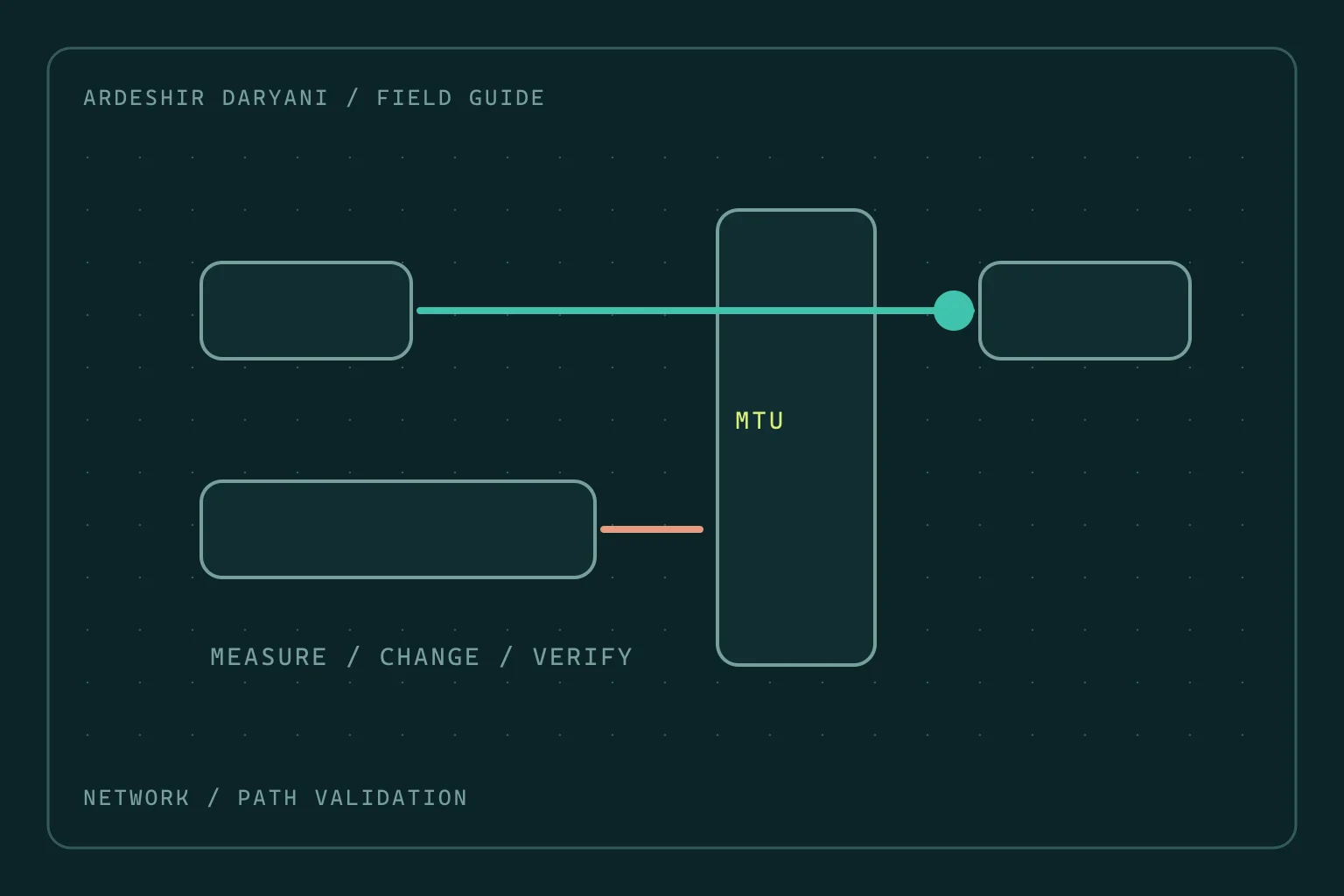
Critical situation: Over the VPN you can ping the server and open its login page, but uploads or full application loads stall. This pattern can fit a packet-size problem, but does not prove MTU is responsible. Packet loss, path restrictions and the application can produce similar symptoms.
Choose a repeatable test
Compare the same file and destination with and without the tunnel. Record time, connection type and result. The goal is not to restore service by changing several settings at once. Retain a specific difference that can be tested again.
Initial checks on Windows and IPv4
This example uses a documentation address and is not expected to receive a reply as written. Replace it with an authorized, responsive destination along the tunnel path. The DF option for this test applies to IPv4.
ping /4 /n 2 /f /l 1472 192.0.2.10
ping /4 /n 2 /f /l 1400 192.0.2.10
netsh interface ipv4 show subinterfaces
For IPv4 without additional options, converting ping payload size to IP packet size normally adds 28 bytes of IP and ICMP overhead. A 1472-byte payload therefore corresponds to a 1500-byte packet. The number 1472 itself is not the MTU.
An explicit fragmentation-needed response while a smaller size succeeds strengthens the size-limit hypothesis. A timeout alone does not: ICMP may be filtered along the path or at the destination. A small ping reply also does not establish that all TCP transfers are healthy.
Keep the change within the affected path
Try different sizes to find the success boundary on that path and record the interface’s current setting. If evidence supports it, test tunnel MTU or TCP-path MSS according to product documentation and only within the relevant scope. A number such as 1400 is not a universal VPN setting; ping payload length must not be copied blindly into interface MTU.
Also examine a functioning PMTUD path and the necessary ICMP messages. Changing every interface’s MTU or opening the entire firewall neither diagnoses well nor provides a clear rollback. If a scoped change fails, restore the previous value and investigate the next hypothesis.
Recovery means repeating the real transfer
Retest the same file, request and bidirectional path several times. A successful ping or short transfer is insufficient. I recommend keeping a small transfer scenario for each important tunnel so tests remain repeatable after carrier or equipment changes.
The recovery decision: Measure packet size; a connected VPN does not establish a healthy data path.
Technical references: Microsoft / Ping · RFC / PMTUD.
Continue reading
All posts →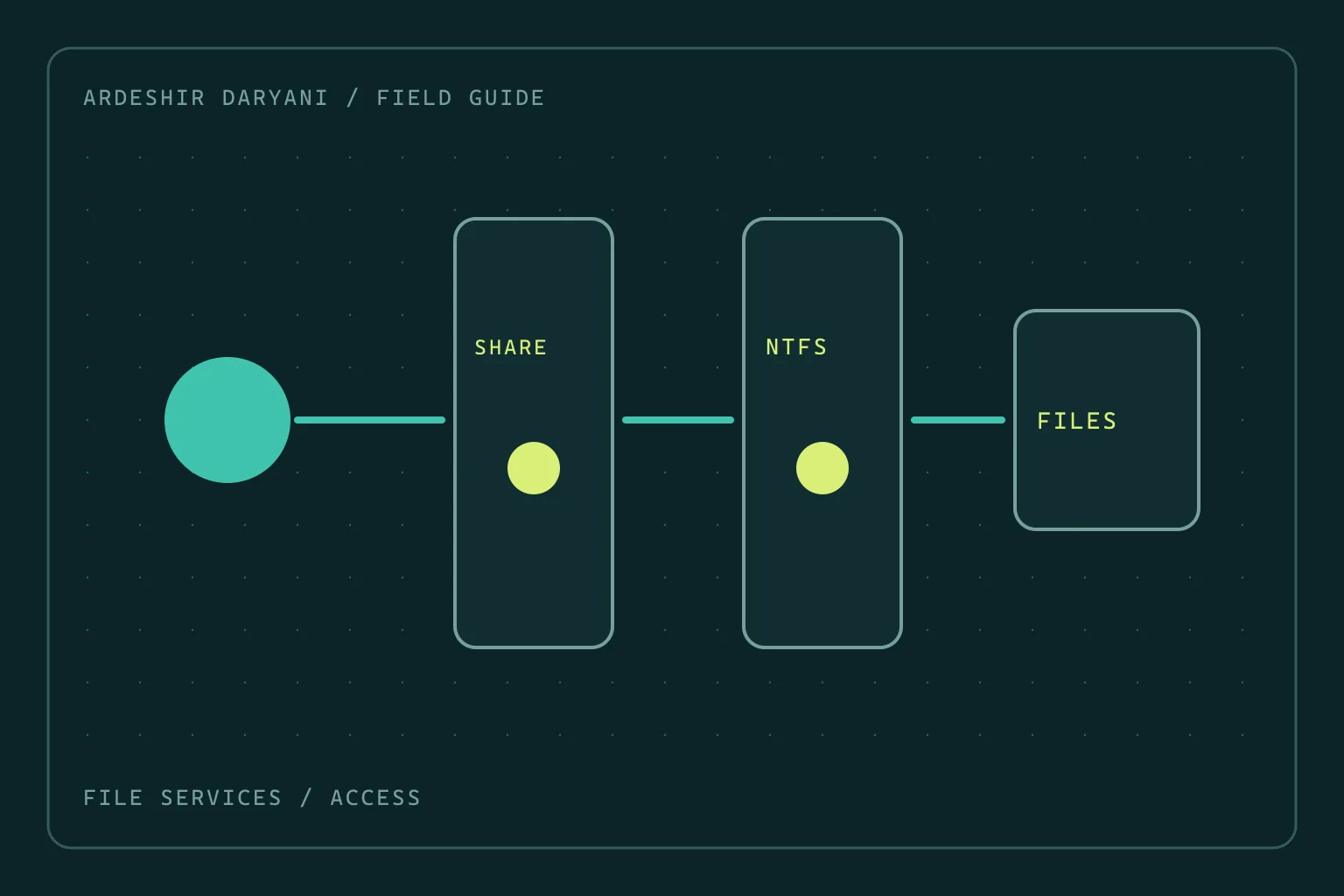
SMB access denied: do not grant Everyone full control
Restore SMB access after permission changes by distinguishing share and NTFS rights, making a narrow correction and testing as the actual user.
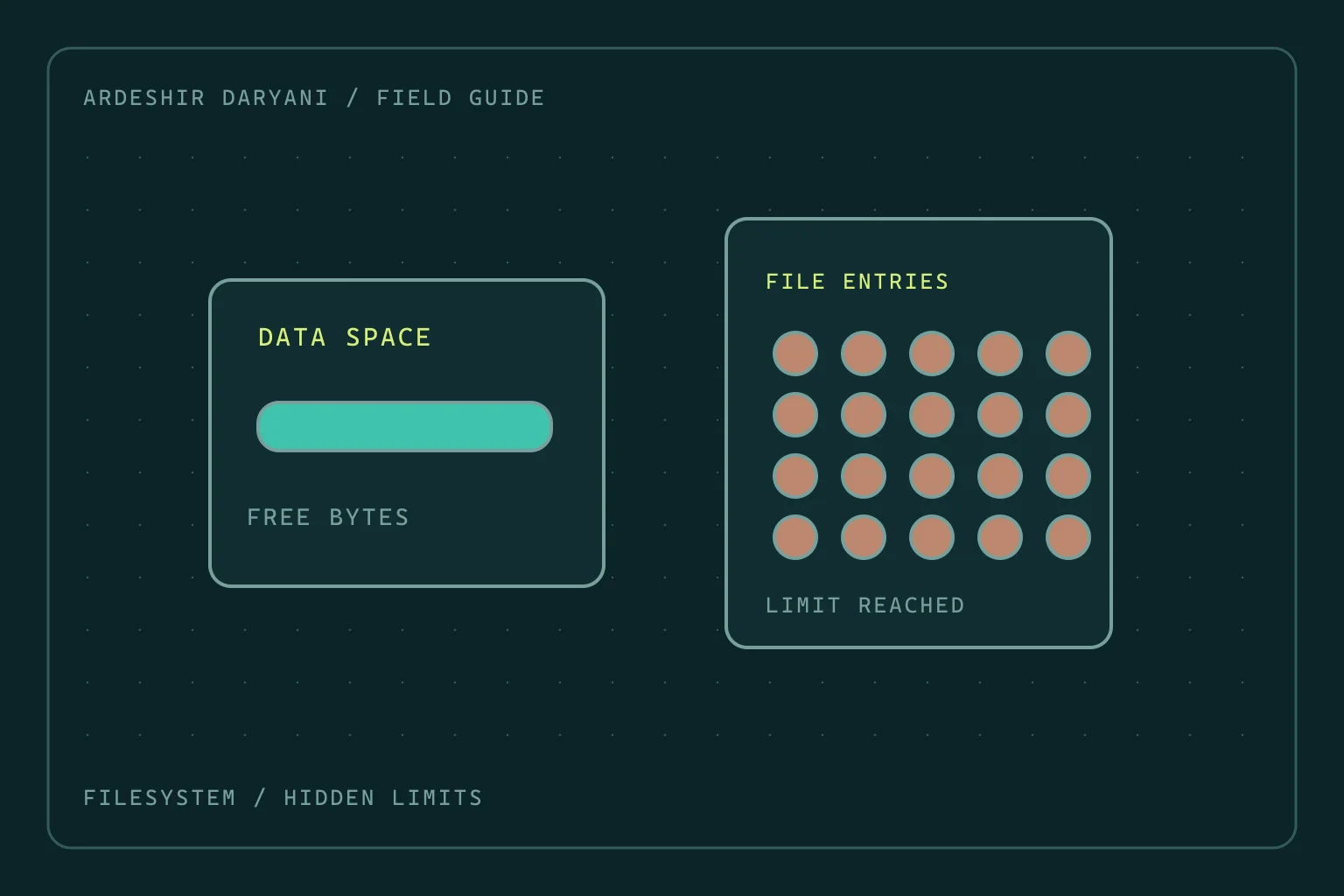
Disk space remains, yet Linux reports no space left
Diagnose inode exhaustion and deleted-but-open files on Linux without indiscriminate cleanup or restarting every service.
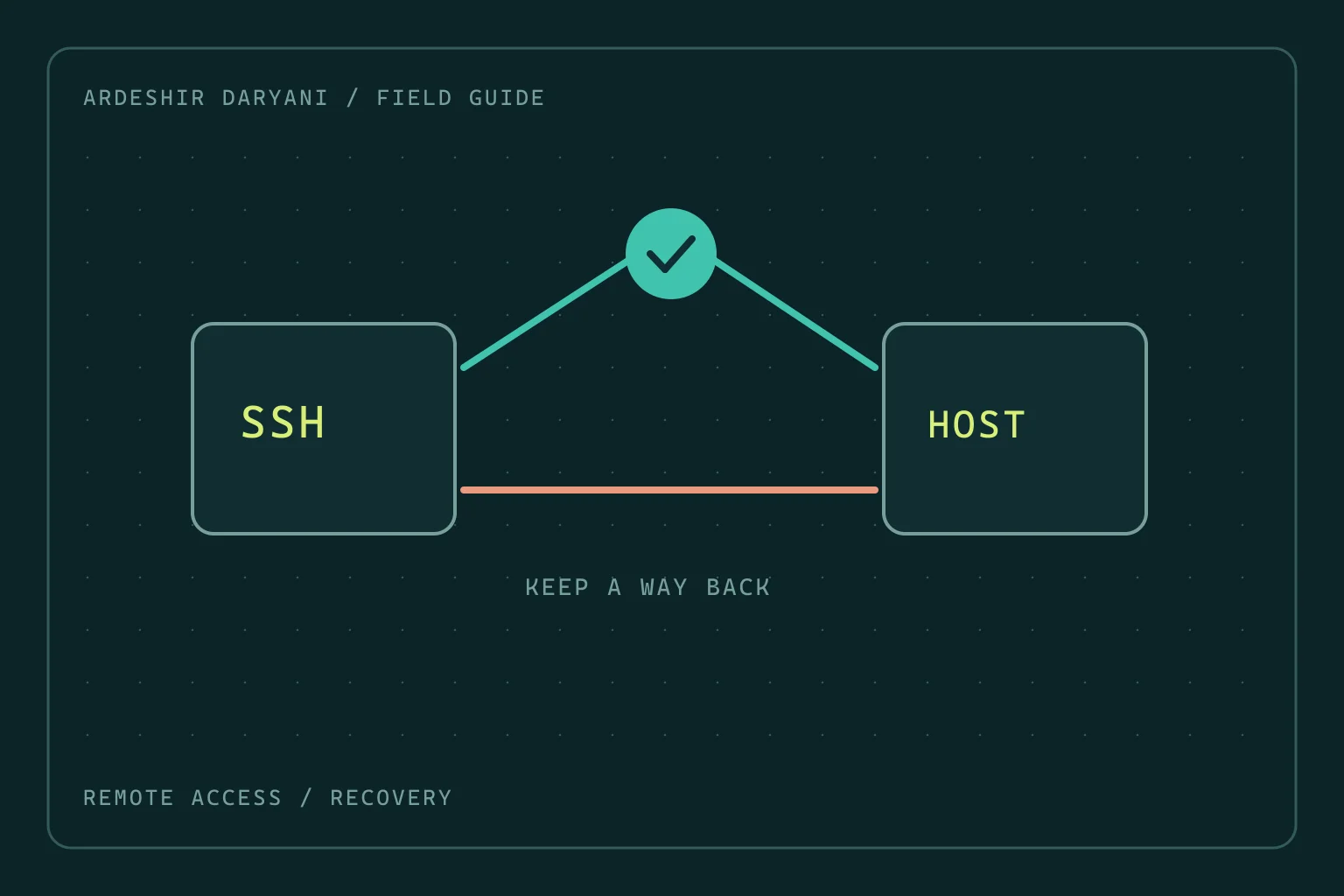
New SSH logins fail after a change: keep the old session
Recover SSH access on Ubuntu after configuration changes: preserve management access, locate the fault and test a fresh login before leaving.