SMB access denied: do not grant Everyone full control
Restore SMB access after permission changes by distinguishing share and NTFS rights, making a narrow correction and testing as the actual user.
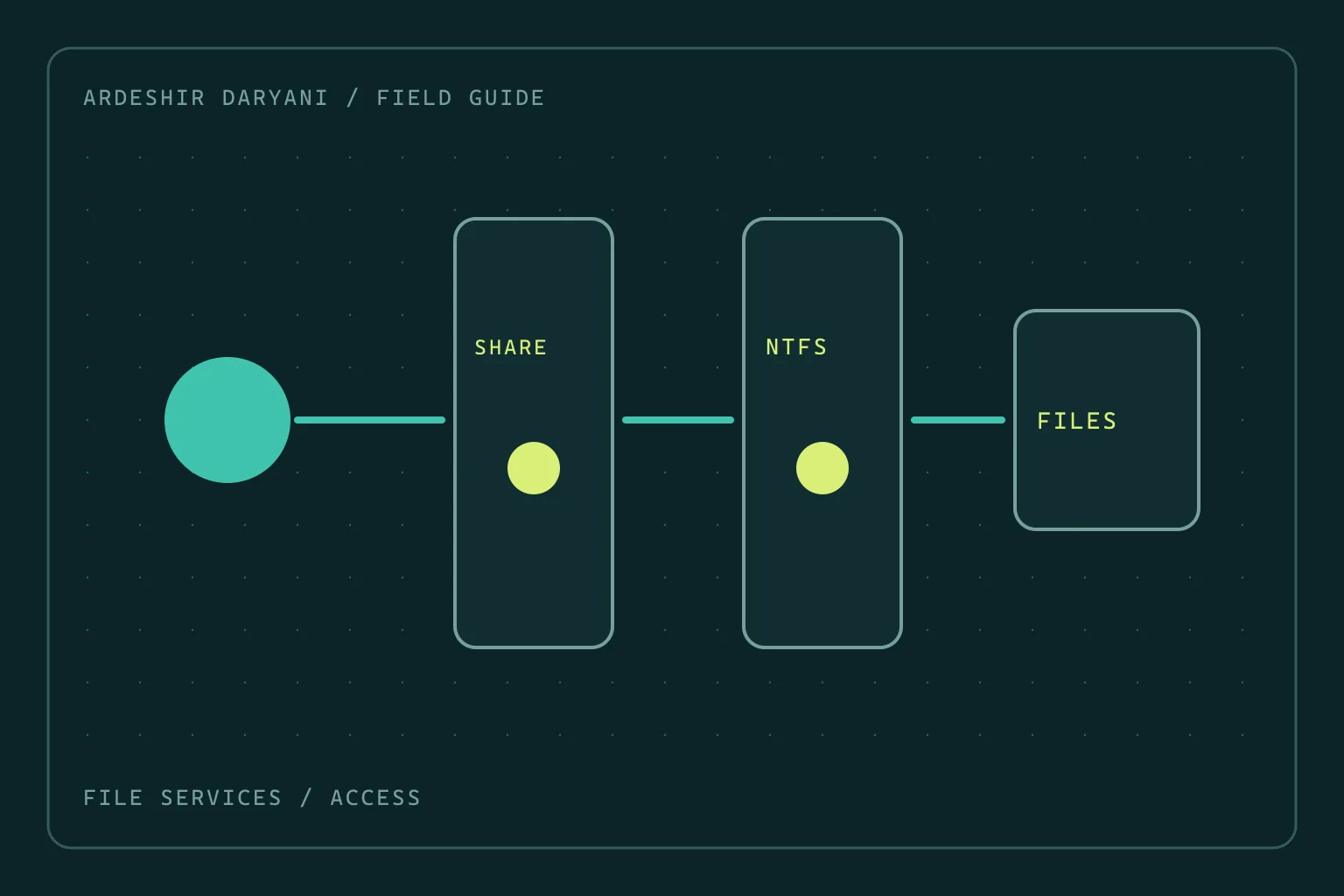
Critical situation: After a group or folder-permission change, Finance cannot access its share. The server name resolves and the network path works, but Access is denied appears. Giving Everyone full control may hide the error while dismantling the folder’s access boundary.
Investigate at the correct layer
Record the exact share name, real folder path and affected user account. An administrator account does not represent the user’s experience. If failure occurs during SMB negotiation, authentication or client security policy, do not treat it by changing folder ACLs. Identify the failed stage and relevant logs first.
Examine both permission sets
Network access requires suitable share and filesystem permissions. The following read-only example runs on a Windows file server with appropriate administrative access. Share name and path are examples and must match the actual environment:
Get-SmbShare -Name 'Finance' | Select-Object Name, Path
Get-SmbShareAccess -Name 'Finance'
Get-Acl -LiteralPath 'D:\Shares\Finance' |
    Format-List Owner, AccessToString, AreAccessRulesProtected
Compare the output with the last known-good state. User group membership, Deny rules, inherited rights and differences between folder and child-file permissions matter. Seeing a group name in an ACL does not prove sufficient effective access.
Make the smallest explainable correction
If a recent change removed a particular group or altered inheritance on that branch, correct only the verified difference. Preserve current permissions before changing them so rollback is defined. Do not begin with a full-tree permission reset or changing ownership of every file.
After a group-membership change, an old session may still carry the previous login context. Preserve open files, then test with a fresh user login and session; do not terminate everyone’s active sessions together. Disabling SMB signing or encryption, or enabling Guest access, is not a universal fix for Access denied.
Verify recovery as the real user
Using the affected account, test exactly the required action: reading only, or creating and editing a test file in an authorized folder. Then check an account outside the target group to ensure no unintended access was created. Finance access is restored successfully only if unauthorized users remain excluded.
The recovery decision: Restore the necessary permission to the right group on the right path, rather than opening the whole folder to remove an error quickly.
Technical references: Microsoft / SMB · Microsoft / Share ACL · Microsoft / File ACL.
Continue reading
All posts →
VPN connects but large transfers stall: investigate MTU
When small requests work but large transfers stall, test the MTU hypothesis with evidence rather than changing the entire network at random.

Disk space remains, yet Linux reports no space left
Diagnose inode exhaustion and deleted-but-open files on Linux without indiscriminate cleanup or restarting every service.
New SSH logins fail after a change: keep the old session
Recover SSH access on Ubuntu after configuration changes: preserve management access, locate the fault and test a fresh login before leaving.