New SSH logins fail after a change: keep the old session
Recover SSH access on Ubuntu after configuration changes: preserve management access, locate the fault and test a fresh login before leaving.
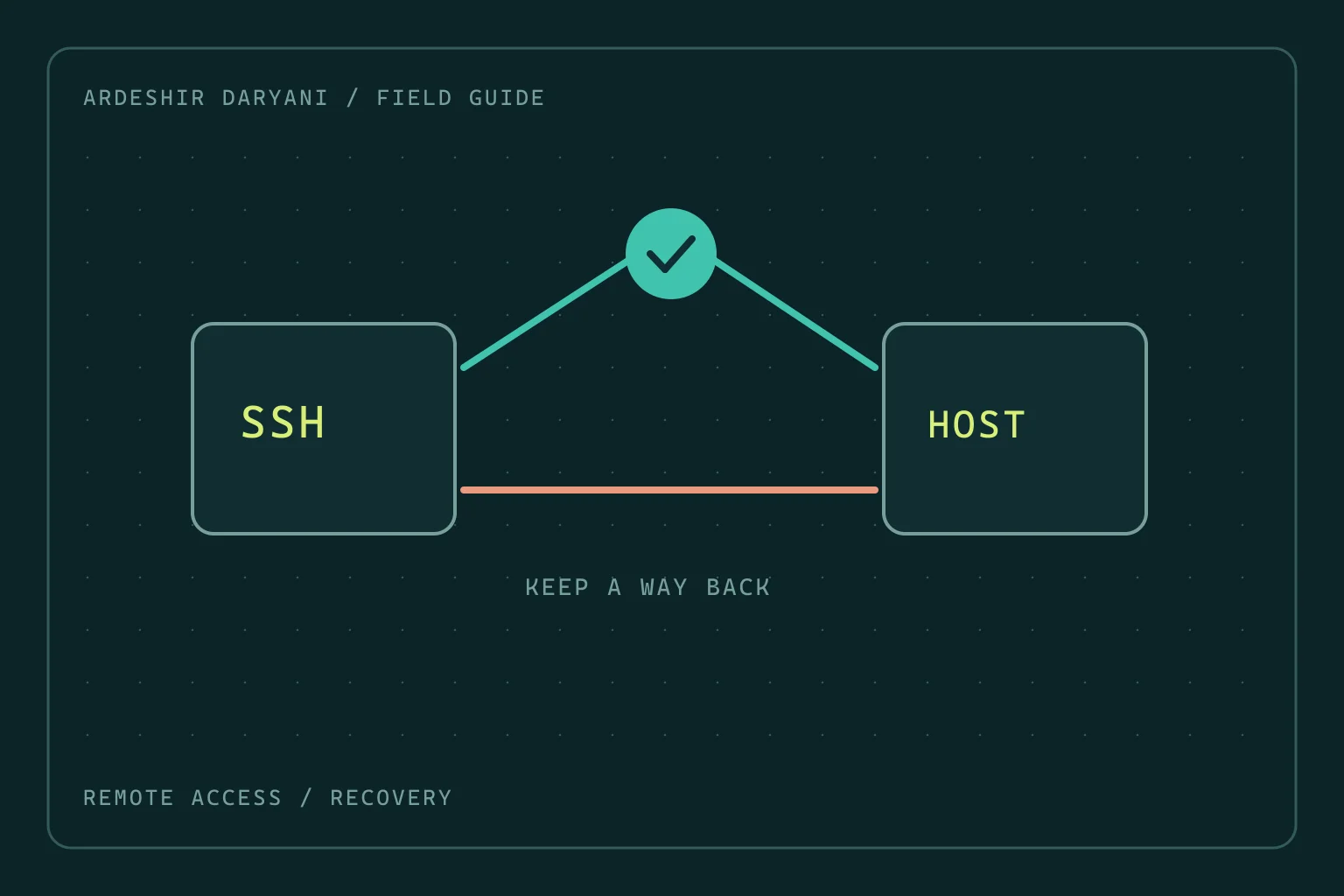
Critical situation: You changed SSH configuration. The existing terminal still works, but a fresh login fails. Restarting the whole server is tempting, although that open session may be your last management path.
Preserve the recovery path
Keep the old session open. If all connections are lost, use a previously authorized management console, such as a VM console or out-of-band management. This note concerns repairing a server you administer; unauthorized entry or authentication bypass is not recovery.
Distinguish failures using evidence
A timeout, refused connection and authentication failure do not have identical causes. Check the actual port in configuration and the listener; assuming a default can send you to the wrong service. These Ubuntu/systemd examples read status or validate configuration:
sudo /usr/sbin/sshd -t
sudo systemctl status ssh.service ssh.socket --no-pager
sudo journalctl -u ssh.service -n 50 --no-pager
sudo ss -ltnp
A successful, silent sshd -t validates the syntax test and key checks. It does not guarantee that the intended user is allowed to log in or that the firewall permits the path.
Revert the specific change
Inspect the file and line named in the error. Configuration may live in the main file or an included file under sshd_config.d; replacing the main file does not necessarily undo the new setting. Restore a known-good version or the specific change, validate again, and apply it using the procedure appropriate to that service configuration only after validation succeeds.
With socket activation, changing Port or ListenAddress follows a separate procedure. A service reload is not a universal answer to those changes. This guide deliberately separates syntax and login-policy problems from port changes and listener configuration.
If syntax passes but login is denied, inspect the account, key, related file permissions and Match rules against the log of that attempt. Do not broadly weaken server authentication or restrictions simply to reopen access quickly.
The test to perform before leaving
Open a new terminal, establish a fresh connection using the authorized login method, and run a harmless command such as displaying the hostname. If management requires sudo, verify that required access as well. Close the old session only after this path succeeds.
The recovery decision: A valid configuration and a usable login path are different things. Test both before closing the previous route.
Technical references: Ubuntu / OpenSSH · OpenBSD / sshd.
Continue reading
All posts →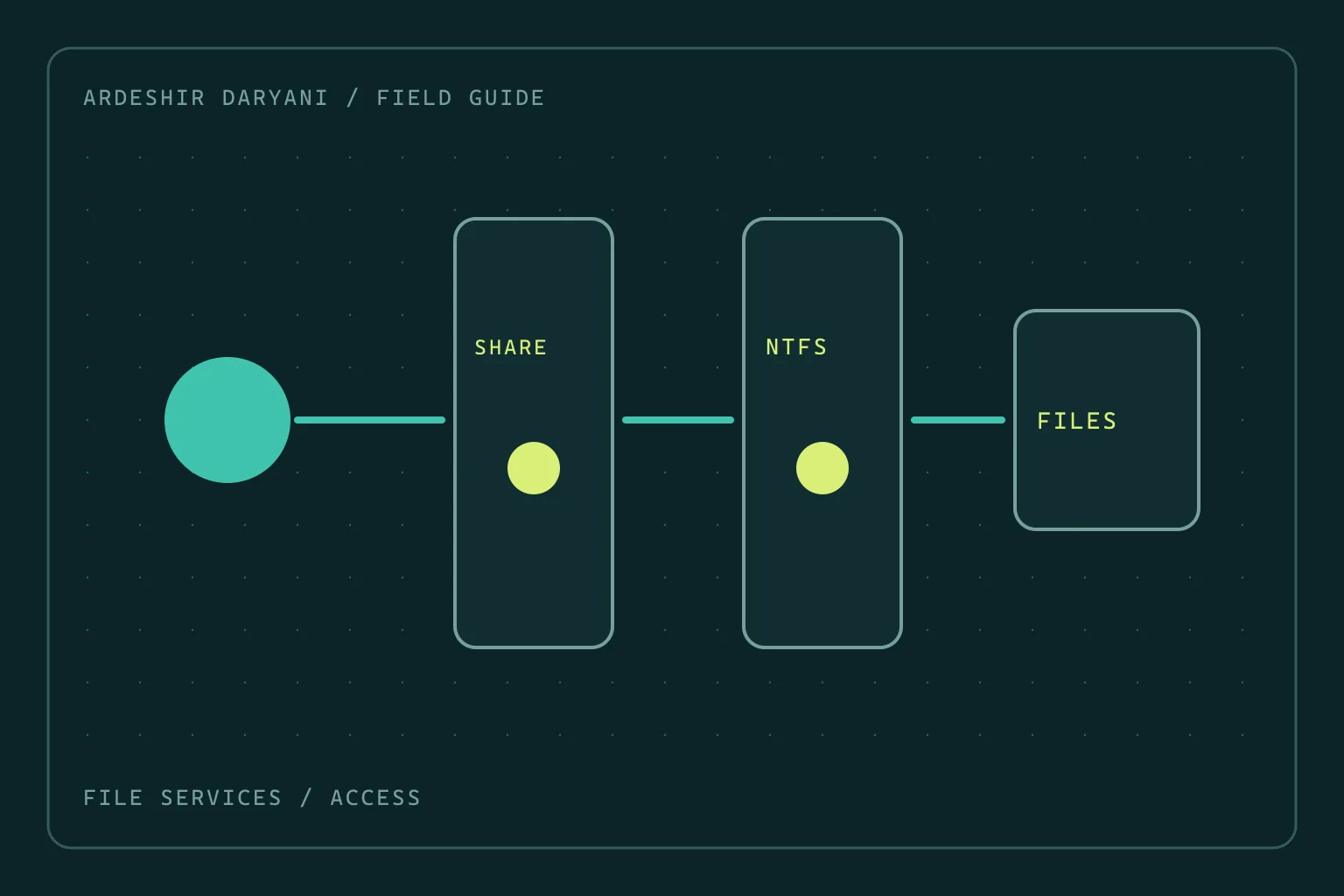
SMB access denied: do not grant Everyone full control
Restore SMB access after permission changes by distinguishing share and NTFS rights, making a narrow correction and testing as the actual user.
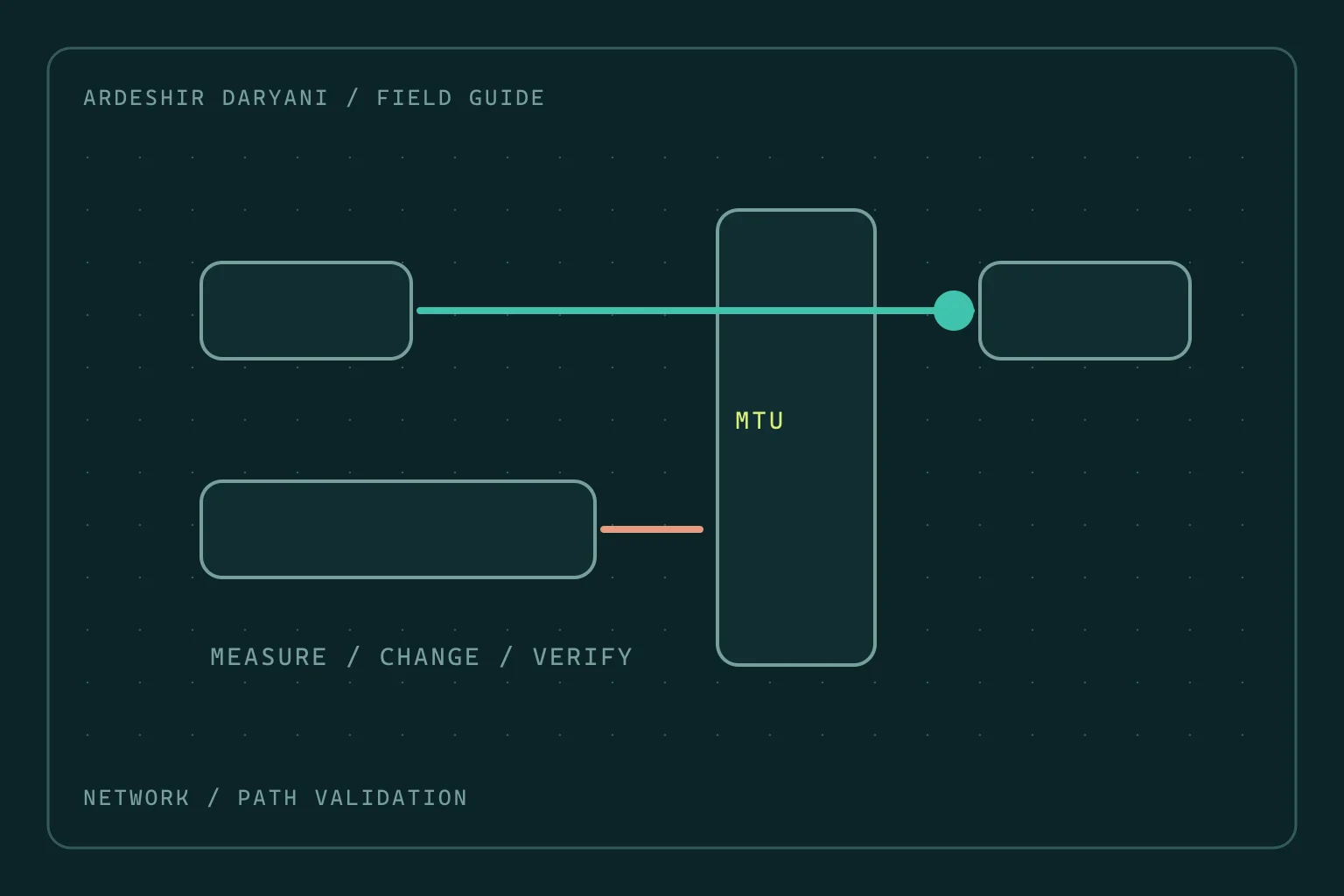
VPN connects but large transfers stall: investigate MTU
When small requests work but large transfers stall, test the MTU hypothesis with evidence rather than changing the entire network at random.
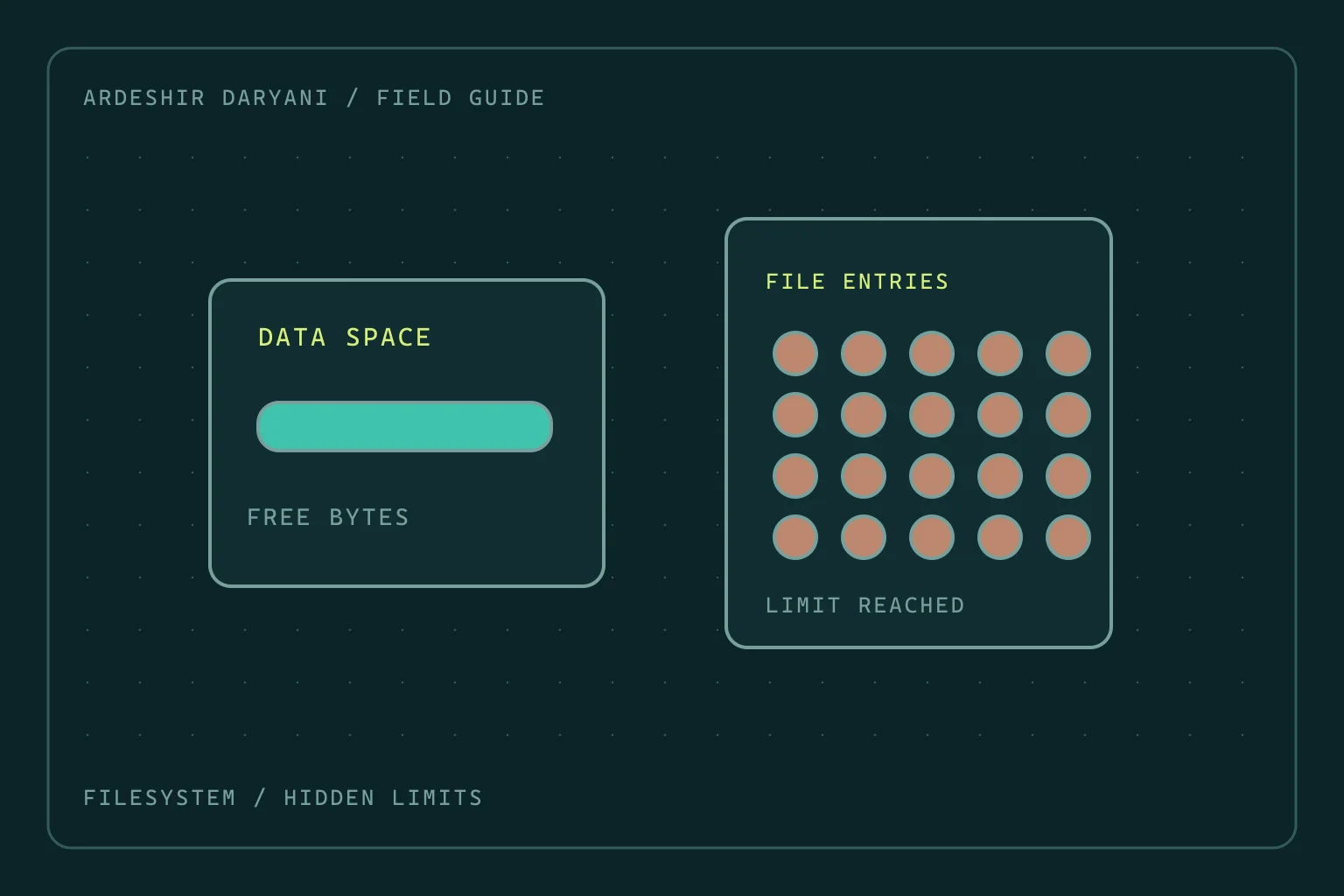
Disk space remains, yet Linux reports no space left
Diagnose inode exhaustion and deleted-but-open files on Linux without indiscriminate cleanup or restarting every service.