Disk space remains, yet Linux reports no space left
Diagnose inode exhaustion and deleted-but-open files on Linux without indiscriminate cleanup or restarting every service.
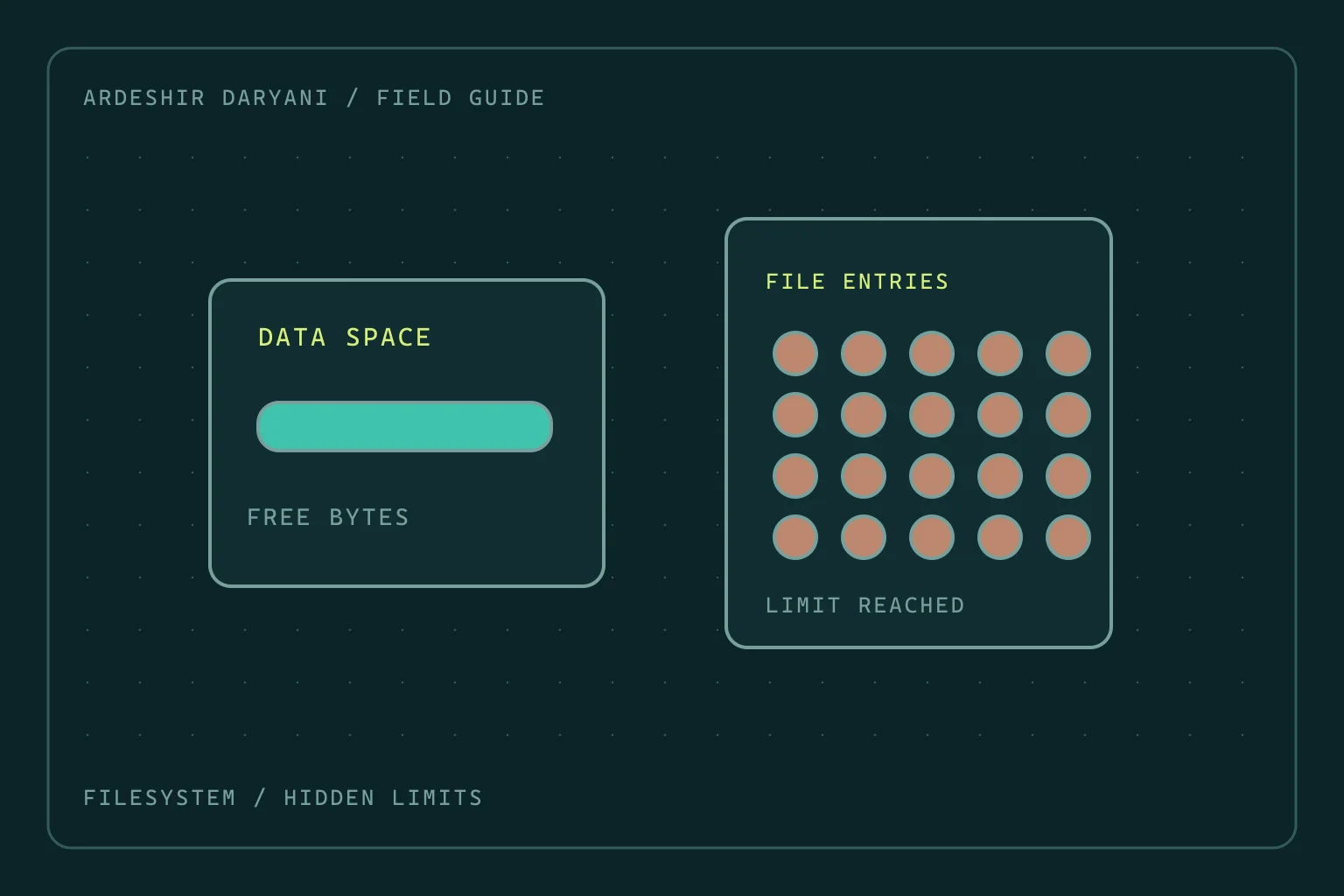
Critical situation: The application cannot create files. Someone deleted a large log, but free space did not increase. Or capacity reports still show room while No space left on device persists. Before deleting anything else, identify the exhausted resource.
Check the actual failing path
The /var path below is only an example; replace it with the directory where the application actually fails. These commands are for diagnosis on Linux:
findmnt -T /var
df -h /var
df -i /var
sudo lsof +L1
df -h reports data-block usage; df -i reports inode usage. Exhausted inodes on filesystems with that limit can prevent new files even while data capacity remains. The application path may use a different mount; root-filesystem capacity alone is not the answer.
If inodes are exhausted
Constrain the producer of large numbers of small files, such as a faulty job generating a new temporary file after every failed attempt. Clean only identified directories with knowledge of ownership and retention policy. Rebuildable cache is not the same as primary data, a work queue or transactional files.
Moving files within the same filesystem generally does not free inodes. Reduce genuinely unnecessary files on that filesystem rather than merely rearranging directory names. If the producer is still active, cleanup only buys a short interval.
If a deleted file is still open
lsof +L1 can reveal open files with a link count below one. Map a large, relevant result to its PID and owning service. A process can retain the deleted file; removing its name does not necessarily release all blocks immediately.
If it is that service’s log, check its documented procedure for reopening logs. If no such mechanism exists, a controlled restart of that service, with understood impact, can release the handle. A “deleted” label alone does not justify killing a process. Do not repair database files by manipulating /proc paths or truncating file descriptors.
How to know the work is complete
Recheck both capacity and inodes on the same path. Test a small, authorized create-and-write operation through the application itself and watch subsequent growth. If evidence fits neither case, investigate quotas, read-only filesystems and storage faults separately; do not automatically blame logs for ENOSPC.
The recovery decision: Before deleting again, determine whether blocks are scarce, inodes are exhausted or a process still holds deleted space.
Continue reading
All posts →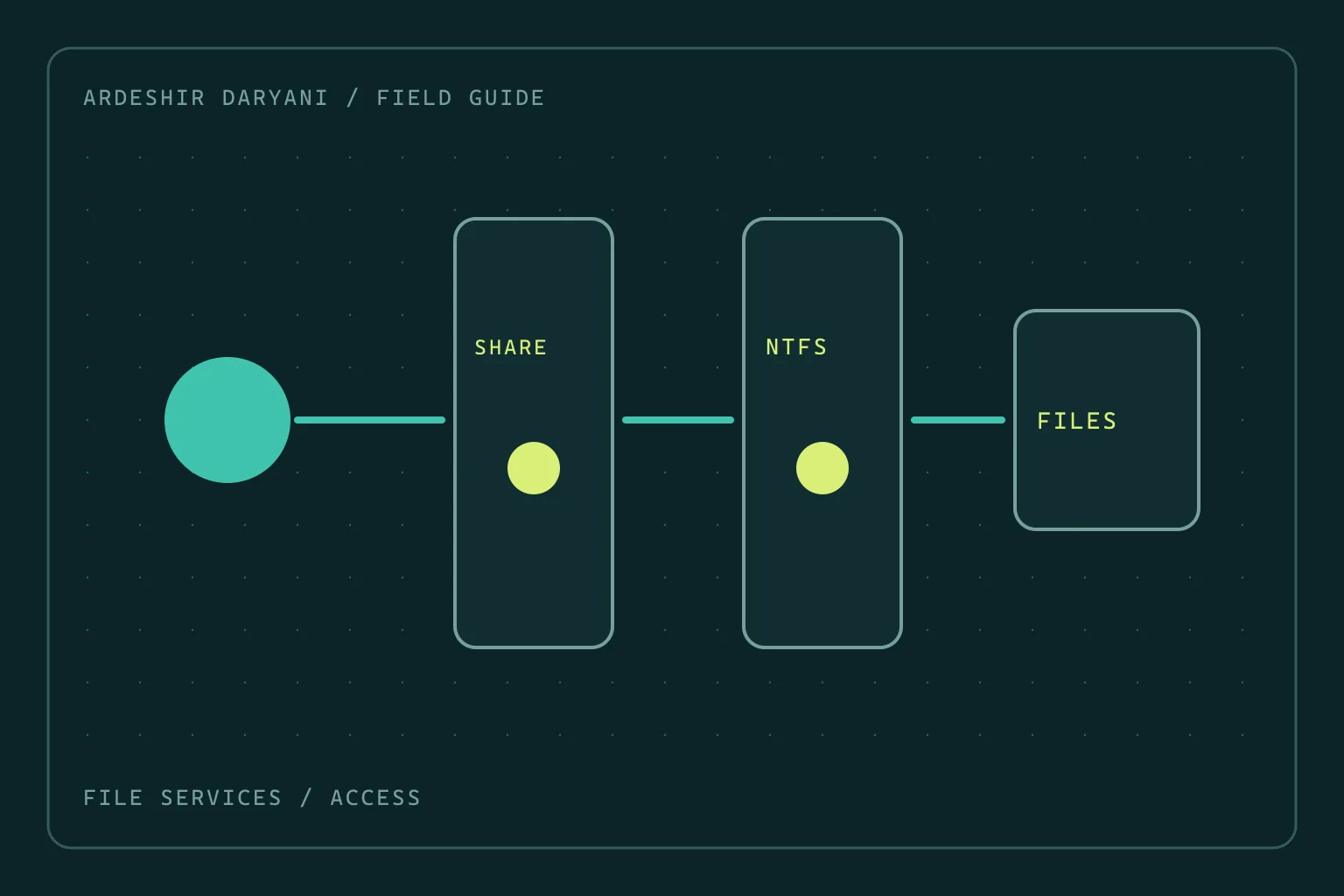
SMB access denied: do not grant Everyone full control
Restore SMB access after permission changes by distinguishing share and NTFS rights, making a narrow correction and testing as the actual user.
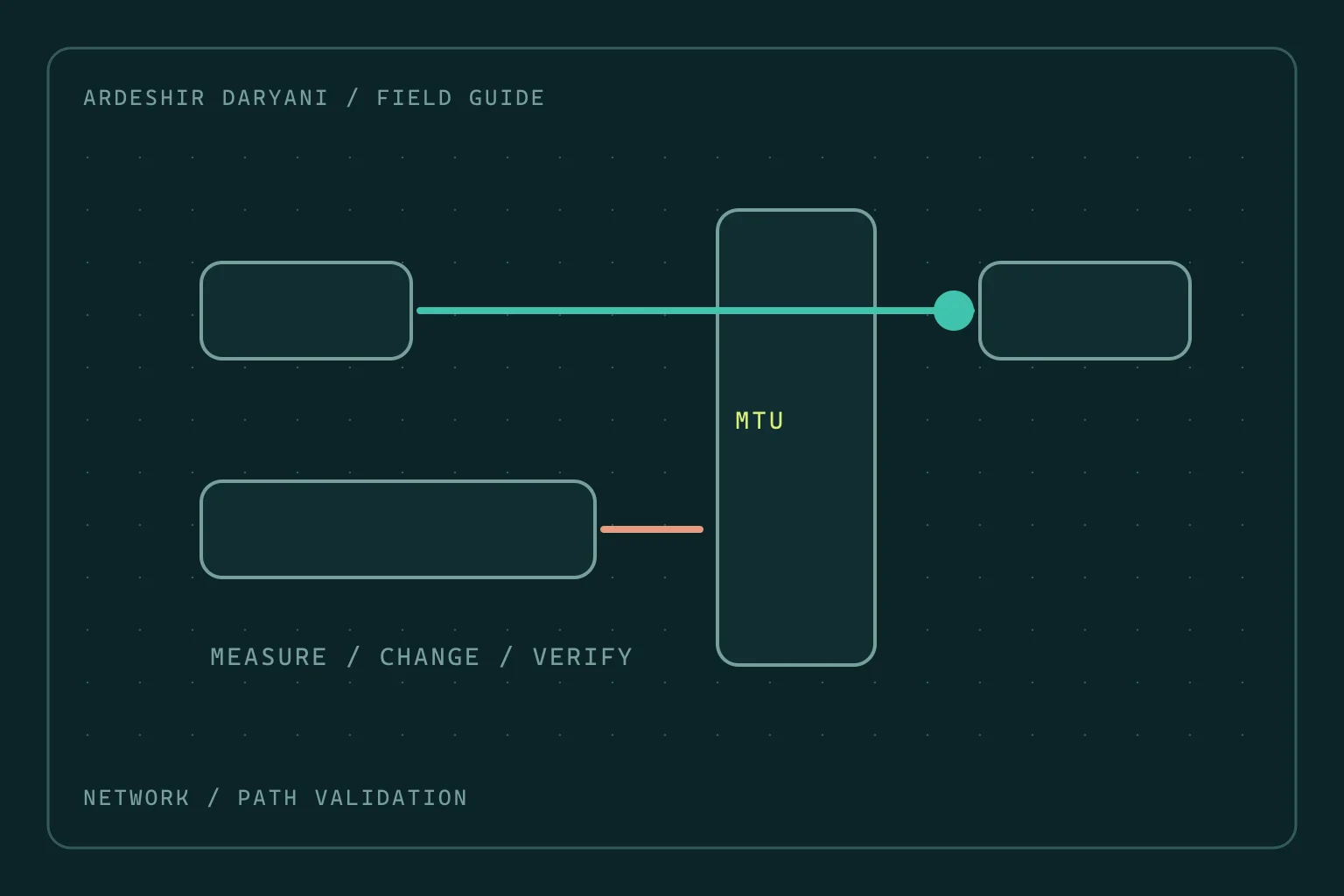
VPN connects but large transfers stall: investigate MTU
When small requests work but large transfers stall, test the MTU hypothesis with evidence rather than changing the entire network at random.
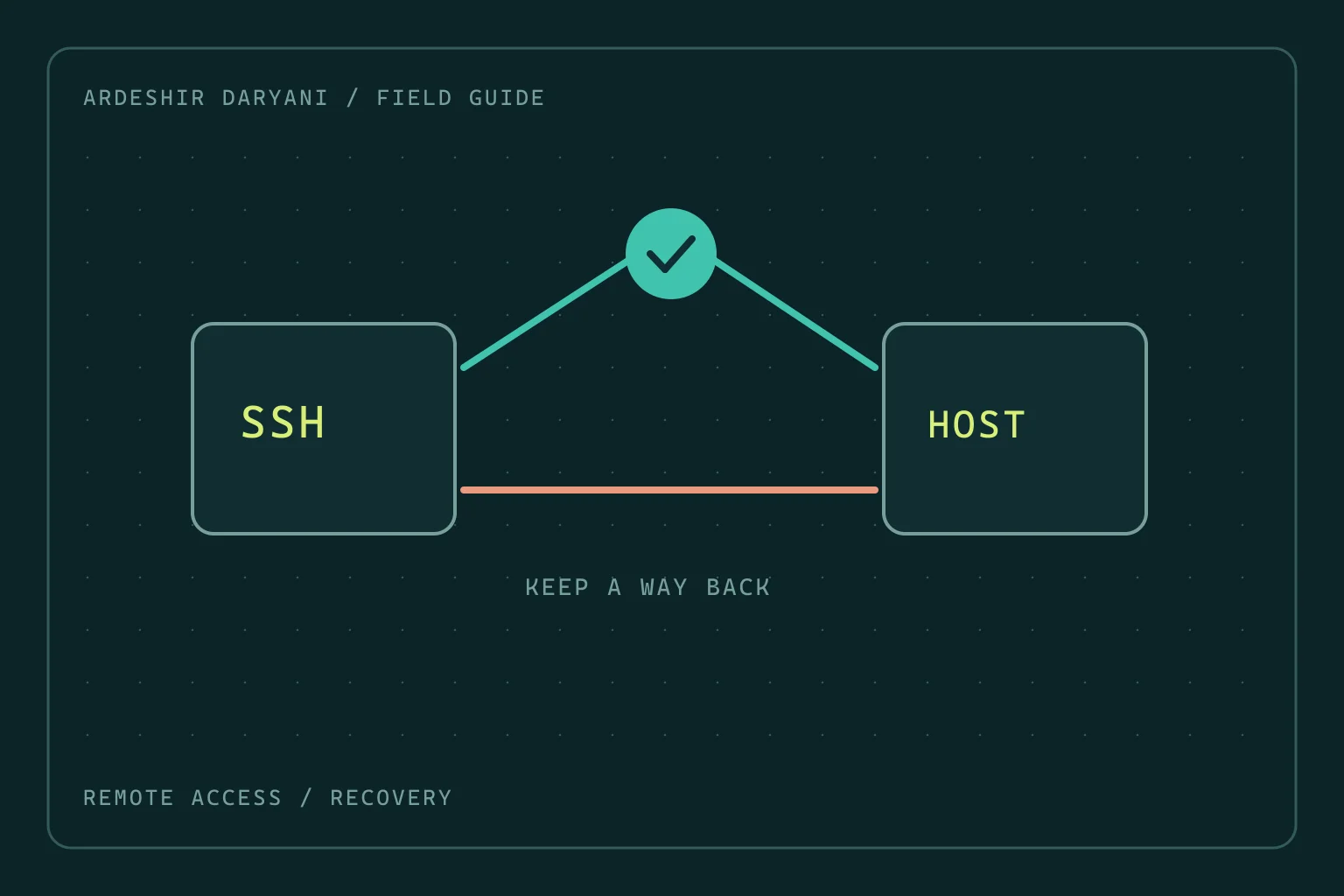
New SSH logins fail after a change: keep the old session
Recover SSH access on Ubuntu after configuration changes: preserve management access, locate the fault and test a fresh login before leaving.