PostgreSQL rejects new connections and the site is down
When too many connections stops a service, control connection creation first, then examine affected sessions and the connection-pool budget.

Critical situation: The application reports too many connections. The team adds workers while the application retries continuously. The attempted fix can consume the database’s last available connection capacity.
Contain the connection surge first
Temporarily limit automatic worker growth and nonessential jobs. If a recent release changed process counts or pool sizes, inspect that change. A maintenance page or reduced input to the affected area can provide diagnostic time. The goal is to prevent pressure from being regenerated, not to shut down unrelated services.
Inspect through an administrative connection
If a reserved slot remains, an appropriately authorized administrative role may still connect. Connecting locally does not itself bypass connection limits. Run these read-only queries in the PostgreSQL administrative session:
SHOW max_connections;

SELECT application_name, usename, state, count(*) AS sessions
FROM pg_stat_activity
WHERE backend_type = 'client backend'
GROUP BY application_name, usename, state
ORDER BY sessions DESC;
The output helps identify applications or accounts with many sessions. Viewing other sessions’ details requires appropriate privileges. Many idle connections do not prove a leak; a large pool may explain them. idle in transaction also differs from an idle connection with no open transaction.
Match the response to the cause
Bring the offending application’s pool limits and process count back within the database’s shared capacity. In this hypothetical scenario, reverting worker configuration can be more sensible than immediately increasing max_connections. Raising that setting requires more resources and a server restart; it does not automatically fix leaks or retry storms.
If a known active request is responsible, consider cancelling that query with pg_cancel_backend. This does not necessarily close the session and does not free an idle connection. Releasing a verified session may require pg_terminate_backend; termination can roll back its open transaction. Establish ownership, interruption impact and retry behavior first. A blanket command to close all sessions is not a recovery plan.
Define the end of the incident
Test a real application request, verify reduced errors and stable connection counts, and restore jobs gradually. If capacity fills again quickly, the cause remains active. My post-incident recommendation is a connection budget per service, bounded pools, clear ownership and suitable retry delays.
The recovery decision: Control connection production first, rather than merely enlarging the container.
Technical references: PostgreSQL / Connections · PostgreSQL / Statistics · PostgreSQL / Administration.
Continue reading
All posts →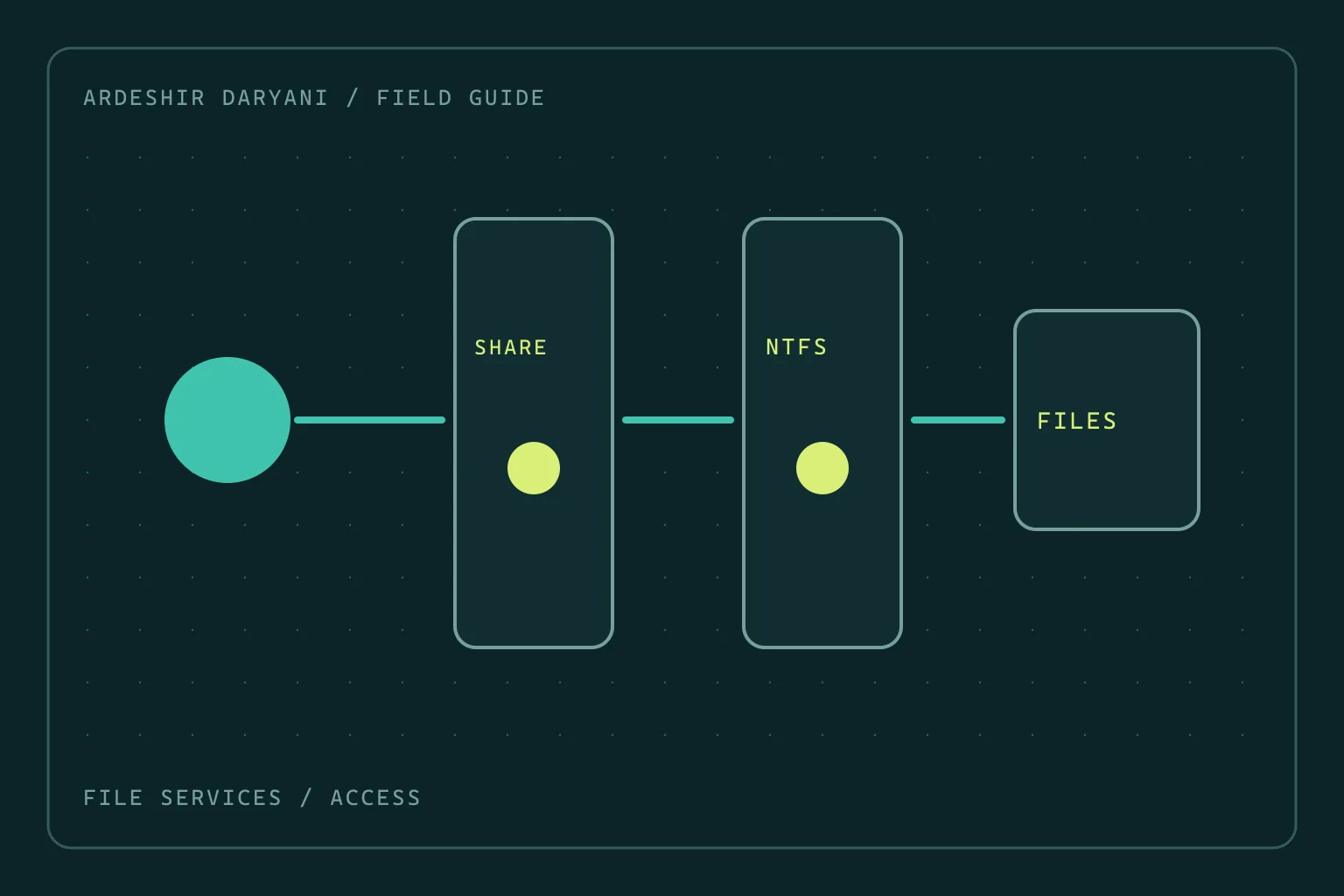
SMB access denied: do not grant Everyone full control
Restore SMB access after permission changes by distinguishing share and NTFS rights, making a narrow correction and testing as the actual user.
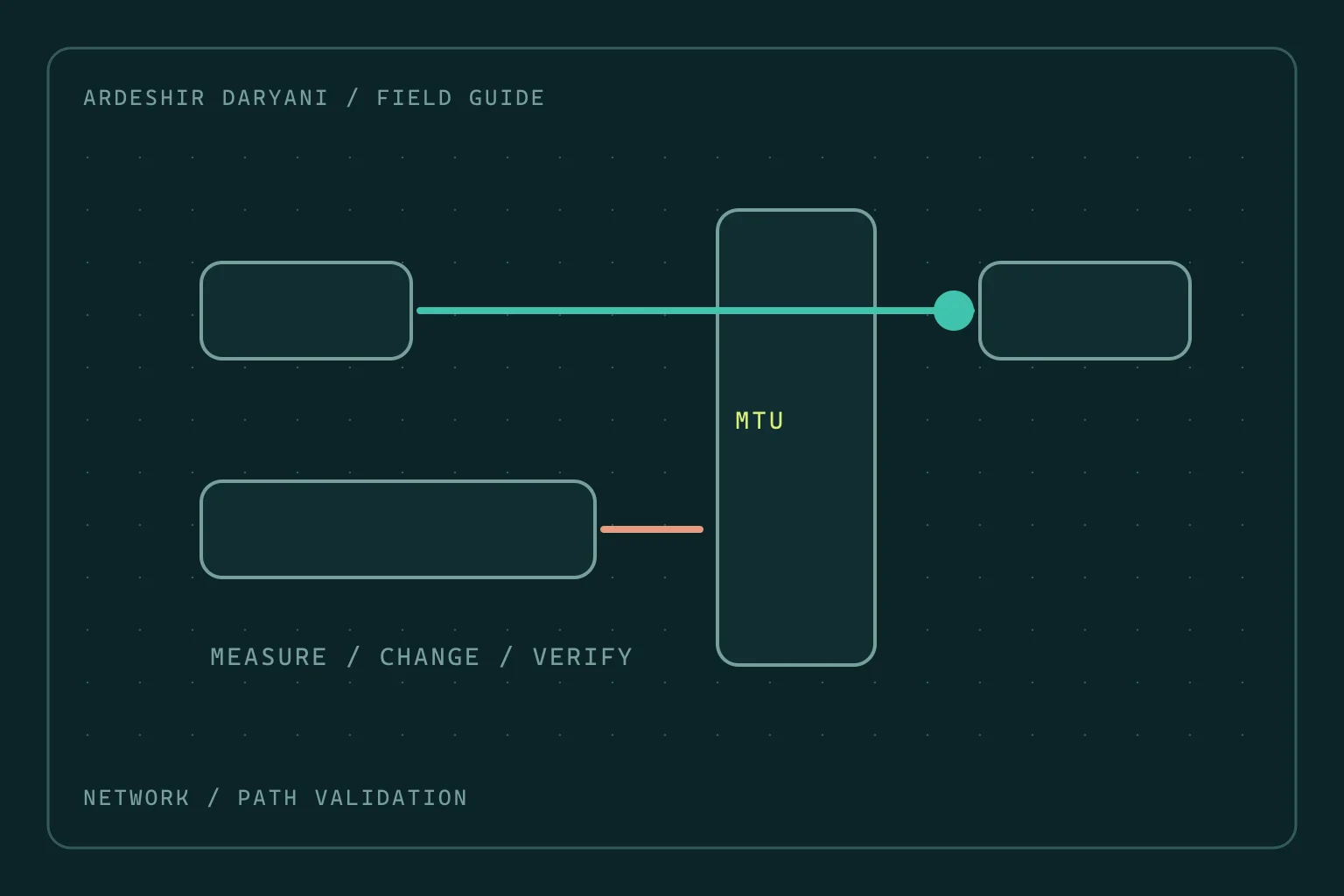
VPN connects but large transfers stall: investigate MTU
When small requests work but large transfers stall, test the MTU hypothesis with evidence rather than changing the entire network at random.
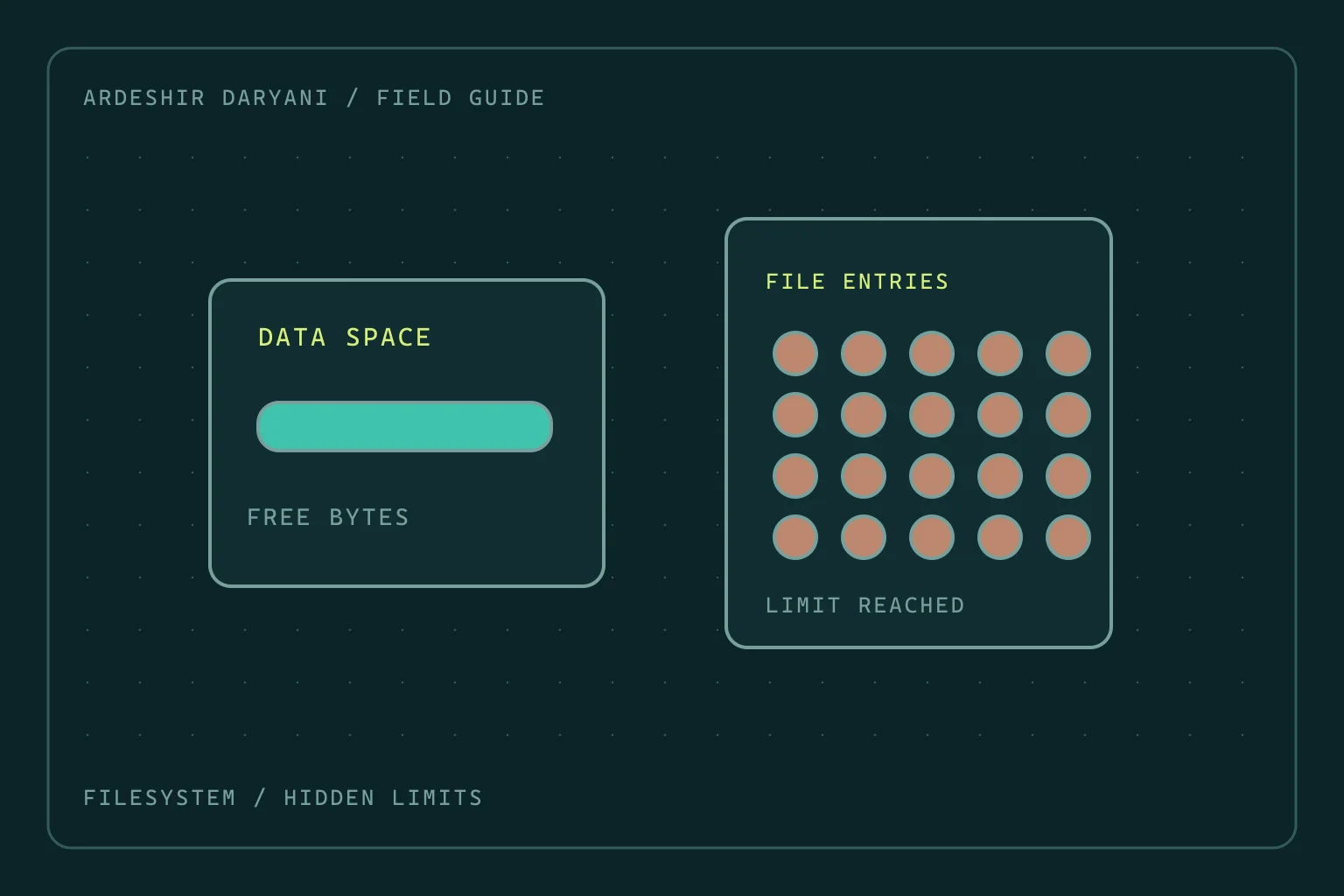
Disk space remains, yet Linux reports no space left
Diagnose inode exhaustion and deleted-but-open files on Linux without indiscriminate cleanup or restarting every service.