Internet down or just a DNS problem?
A practical checklist to distinguish network, DNS and application failures before changing settings. Read the evidence and choose the next test.
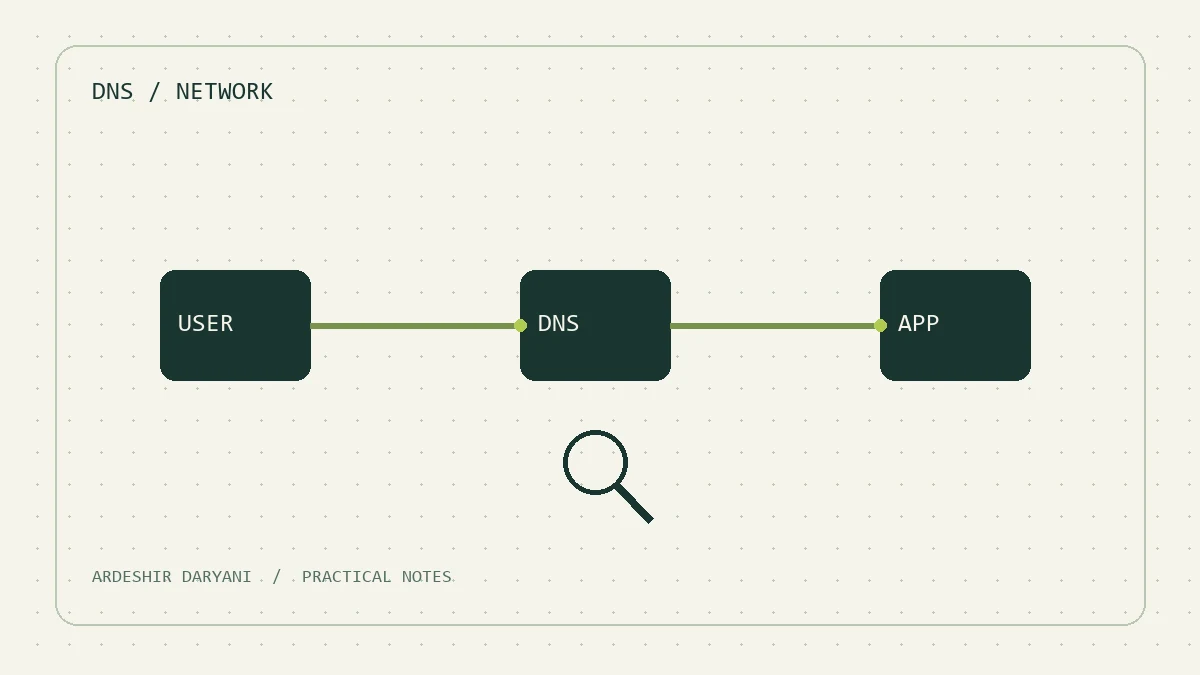
Technical Source: DNS troubleshooting navigation Microsoft Learn. The path of diagnosis and the following example is the analytical proposal of this note.
Opening a site alone does not mean “internet outage”. The network may be connected, the wrong domain name is translated or the service itself does not respond. For me, the first support task should be to turn a general complaint into a testable question.
First, shrink the problem.
Ask the user if only one site has a problem or how many services? Does your partner have the same situation? The answer to these questions is sometimes more helpful than a few times to turn off and clarify the modem. Record the problem start time and the exact name of the service.
Three reviews without changing settings.
In Windows, these commands provide basic information. Replace the sample name with the actual domain of the service.
ipconfig /all
Resolve-DnsName example.com
Test-NetConnection example.com -Port 443
The first command shows the address, gate and DNS set. The second command investigates the call response. The third command detects TCP connection to the particular port; its success still does not prove the full health of the website.
| Viewed. | Next review. |
|---|---|
| Domain name does not respond. | Access to DNS is set and correct name. |
| The name is answered, but the port connection fails. | Path, firewall or service listener |
| Port connection is fixed, but the page is error. | TLS, its program and dependencies |
Common livestock: Clearing Evidence
In a hypothetical scenario, the internal system is not only open, but public sites are healthy. Changing your DNS client to a public DNS may make the situation worse. Also, opening the HTTPS site with IP is not a domain equivalent test; the host name and certificate will work as a result. Not responding to ping alone does not prove the disconnection of the path.
My suggestion is to keep the output of the same review before each change and then change only one variable. The goal is to find a broken border; the result must say, “Which stage failed,” not just “started with a reboot.”
Related study: Real Health Service Review.
Continue reading
All posts →
The runbook you need at three in the morning
A one-page service runbook template: purpose, dependencies, logs, health checks, recovery and escalation, without storing passwords in the document.
Five things to record before restarting a server
A concise restart checklist covering affected users, dependencies, active work, recovery access and a meaningful post-restart test.
The server is up. Does the service actually work?
Go beyond ping with a real user scenario, an essential dependency check and an actionable alert. Define what a healthy service means.